
You're sitting there with another podcast episode ready to publish, but the thought of spending hours manually transcribing it makes your heart sink. The show notes won't write themselves, and those auto-generated captions from your usual tools are embarrassingly off – especially when your guests start talking over each other or speaking with different accents.
As a content creator, you know the value of turning your audio content into written format. It's not just about accessibility – it's about SEO, content repurposing, and growing your audience. But the current process is eating up precious hours you could spend creating more content or engaging with your community.
What if you could transform your podcast episodes into accurate, usable text in just minutes? The podcast industry has seen remarkable advances in AI-powered transcription technology, as noted by HappyScribe. Today's solutions offer unprecedented accuracy and efficiency, changing how creators like you approach content production.
Let's explore how you can break free from manual transcription and create a streamlined workflow that turns your audio content into valuable written assets – without sacrificing accuracy or burning through your budget.
Step 1: Prepare Your Audio for Optimal Transcription
The journey to effortless podcast transcription starts with quality audio. Even the most advanced AI can't accurately transcribe unclear recordings, so setting yourself up for success begins before you hit record.
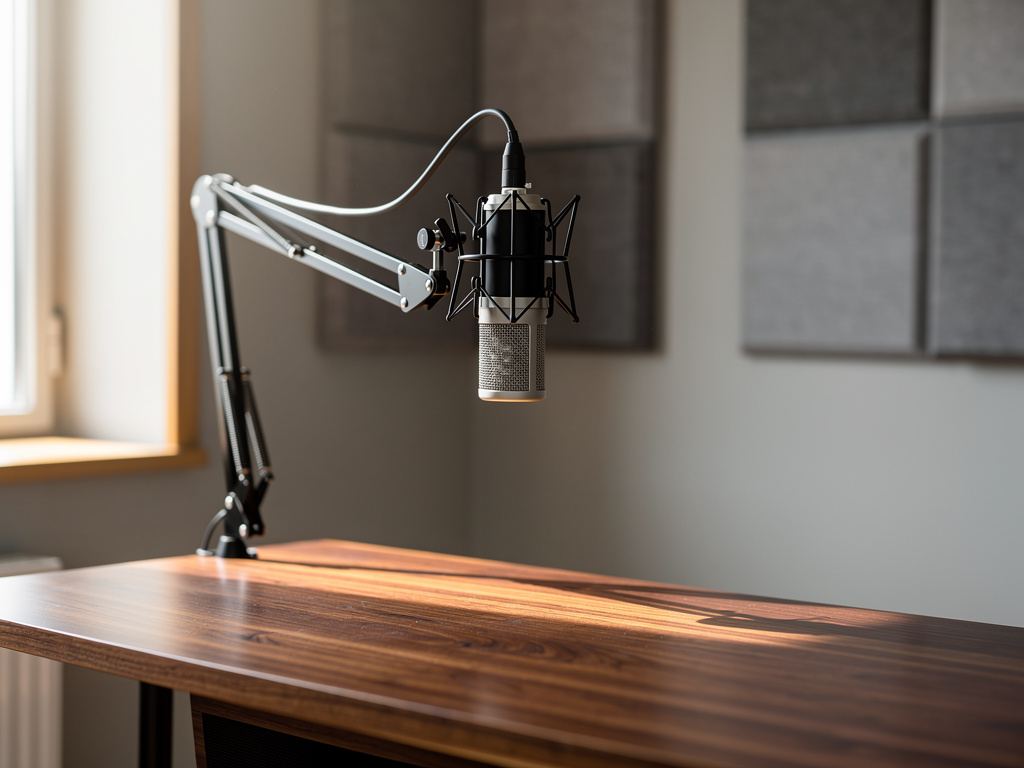
First, invest in a good quality microphone and ensure proper positioning – about 6-8 inches from your mouth. Create a controlled recording environment by minimizing background noise and echo. If you're recording with guests remotely, ask them to use headphones and find a quiet space.
When recording multiple speakers, try to minimize cross-talk and maintain consistent volume levels. Many podcasters find that a short pre-show technical check helps identify and resolve audio issues before they become transcription problems.
Store your audio files in high-quality formats – WAV or high-bitrate MP3 files typically yield the best transcription results. Before submitting for transcription, consider basic audio cleanup like noise reduction if necessary, but avoid over-processing which can affect speech recognition.
Audio Quality Checklist
Record in a quiet room with acoustic treatment if possible. Use a pop filter to reduce plosives. Test your recording levels before each session. Always do a short test recording and listen back before the full episode.
Step 2: Choose Your Automated Transcription Solution
With your audio optimized, it's time to select the right transcription tool. Modern AI-powered solutions have evolved significantly, offering features specifically designed for podcast content.
Look for services that provide speaker diarization – the ability to automatically distinguish between different voices. This feature is crucial for podcast formats with multiple hosts or guest interviews. Additionally, prioritize solutions that support your episode length and file formats.
Consider your specific needs: Do you require timestamps for navigation? Will you be repurposing content for social media? Does the service need to integrate with your existing podcast hosting platform? Make a list of must-have features before making your decision.
The best solutions offer a balance of accuracy, speed, and useful features like customizable export formats and editing capabilities. While many services advertise similar capabilities, their performance can vary significantly with different accents and technical terminology.
For instance, Pulse by Smallest AI stands out with its ability to handle global accents and dialects while maintaining high accuracy through its API integration.
Step 3: Set Up Your Automated Workflow
Creating an efficient workflow is key to maximizing the benefits of automated transcription. Start by establishing a consistent process that begins the moment your recording ends.
Map out your post-production sequence: audio export → transcription → review → content creation. Many modern tools allow you to set up automated file processing, where new recordings are automatically submitted for transcription.
Consider integrating your transcription service with your content management system or show notes template. This integration can automatically populate your website with transcribed content, saving additional time in the publishing process.
Create templates for common transcript-derived content: show notes, blog posts, social media quotes, and video captions. These templates ensure consistency across your content and speed up the repurposing process.
Common Transcription Myths
Myth
Automated transcription can't handle multiple speakers or accents
Reality
Modern AI transcription services have made significant advances in speaker diarization and accent recognition, offering high accuracy across diverse voices and speaking styles.
Step 4: Review and Optimize Transcripts
While AI transcription has become remarkably accurate, a quick review process ensures your content maintains professional quality. Develop an efficient review workflow that focuses on key elements rather than word-by-word verification.
Pay special attention to proper nouns, technical terms, and industry-specific jargon – these are areas where AI might need human verification. Use the search function to quickly locate and verify these terms throughout the transcript.
Consider creating a custom dictionary within your transcription tool for frequently used terms, names, and phrases specific to your podcast. This improves accuracy over time and reduces future editing needs.
Look for patterns in any errors you find – they might indicate areas where you can improve your recording process or adjust your transcription settings for better results.
Step 5: Repurpose Your Transcribed Content
With accurate transcripts in hand, you've unlocked a treasure trove of content possibilities. Transform your podcast transcripts into various formats to maximize their value and reach.
Create SEO-optimized blog posts by structuring your transcript into a readable format with headers, paragraphs, and pull quotes. Extract compelling soundbites and quotes for social media content, complete with timestamps for easy audio clip creation.
Use your transcripts to generate show notes that include key points, links, and resources mentioned in the episode. This makes your content more accessible and valuable to your audience while improving your podcast's searchability.
Consider creating a content calendar that plans out how you'll distribute different pieces of content derived from each episode's transcript. This systematic approach ensures you're making the most of every episode you produce.
Conclusion
The days of spending hours manually transcribing your podcast episodes are behind us. By embracing automated transcription and establishing an efficient workflow, you can dramatically reduce your post-production time while creating more valuable content for your audience.
Remember that the key to successful automation lies in preparation. Quality audio recording, choosing the right tools, and setting up streamlined workflows will ensure you get accurate transcripts that serve multiple purposes – from SEO-friendly show notes to engaging social media content.
As podcast creation continues to evolve, those who leverage these automated solutions effectively will have more time to focus on what truly matters – creating engaging content and building meaningful connections with their audience. Start implementing these steps today, and watch as your podcast production process transforms from a time-consuming challenge into a smooth, efficient operation.

How Pulse by Smallest AI Transforms Podcast Transcription
Smallest AI
Global Accent Support
Accurately transcribes diverse speaker accents and dialects, essential for podcast interviews with international guests
Low Latency Processing
Delivers transcripts quickly so you can move forward with content creation and distribution
Simple API Integration
Easily incorporates into existing podcast production workflows for seamless automation
Frequently Asked Questions
Sources & References
- 1
AI Podcast Transcription API: Set Up & Transcribe in Minutes
https://cleanvoice.ai/blog/podcast-transcript-api-guide/
- 2
How I Automated My Podcast Transcript Production With ...
https://den.dev/blog/how-i-automated-podcast-transcription-with-local-ai/
- 3
Free Podcast Transcription: Convert Podcast to Text Fast - Otter.ai
https://otter.ai/podcast-transcription
- 4
Podcast Transcription Services | 60 Minutes Free Every Month
https://www.dictaai.com/podcast-transcription
- 5
Podcast Transcription - AI-Powered Podcast to Text | SozAI
https://sozai.app/podcast-transcription/
- 6
The 10 Best Podcast Transcription Services (2024) - SpeakWrite
https://speakwrite.com/blog/the-10-best-podcast-transcription-services/
- 7
AI Podcast Transcript - Swell AI
https://www.swellai.com/blog/ai-podcast-transcript
- 8
5 Best Podcast Transcript Generators in 2026 - HappyScribe
https://www.happyscribe.com/blog/best-podcast-transcript-generators
- 9
Transcribe Audio to Text with AI - ElevenLabs
https://elevenlabs.io/audio-to-text
- 10
Podsqueeze
https://podsqueeze.com/
- 11
The 50 Best Podcasting Tools You'll Ever Need In 2025 ...
https://podsqueeze.com/blog/the-best-podcasting-tools/
- 12
Best AI-Powered & Automated Transcription Tools in 2025 | Jamie
https://www.meetjamie.ai/blog/ai-powered-automated-transcription-tools
More from Smallest AI
How to Automate Your Podcast Transcription: A Step-by-Step Guide for Content Creators
Learn how to automate podcast transcription effectively. Transform your audio content into searchable text, improve accessibility, and streamline content repurposing.
Voice Fatigue Solutions: How AI Speech Generation Saves Creator Health
Discover how AI speech generation helps YouTubers and course creators protect their vocal health while scaling content production. Learn sustainable voice solutions for content creators.
How to Transform Your Podcast Audio into SEO-Rich Content Automatically
Learn how to automate podcast transcription and convert your audio content into SEO-optimized text, show notes, and social media posts efficiently.